
Fix My Speaker – Clean Your Speaker and Remove Water
Is your phone speaker making a muffled sound after getting wet? Fix My Speaker is an easy online solution which uses sound waves to remove water and dust from your speaker.
How It Works
If your phone gets wet in a sink, toilet, or pool, water can enter the speaker and make the sound muffled or unclear. If moisture stays inside, it may also damage the speaker over time.
Fix My Speakers helps remove trapped water by playing a special sound. When you press the button (💨💦), the tool plays a tone that creates vibrations inside the speaker. These vibrations can help push water droplets out through the speaker openings.
Once the water is removed, your phone’s sound may become clearer and return closer to its normal volume. For the best results, let your phone dry completely and avoid charging it while it is wet.
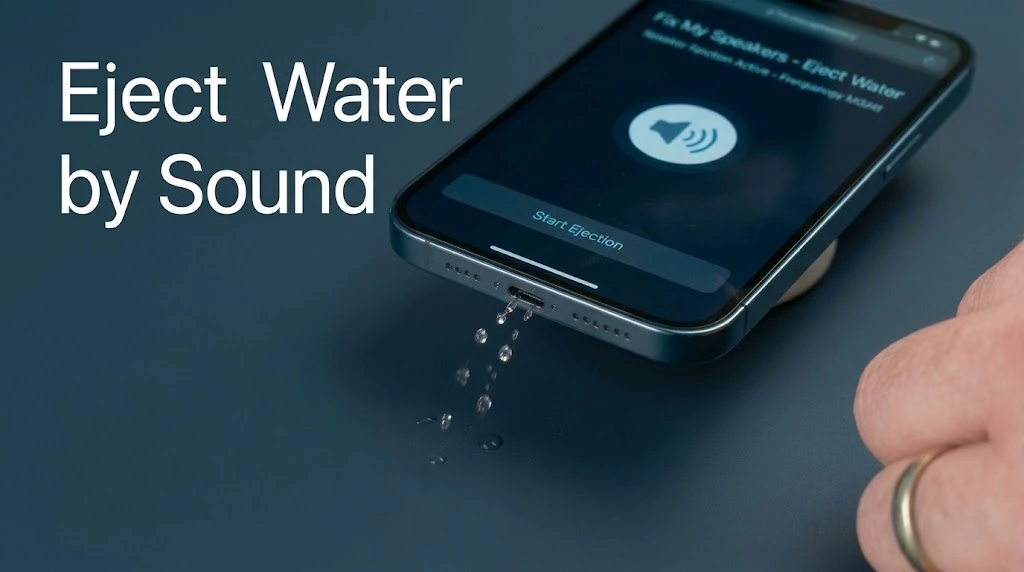
- Disconnect Bluetooth devices and unplug any earbuds connected to your phone.
- Turn up the volume to the highest level.
- Tilt your phone with the speaker facing down to help water come out.
- Tap the Start button and let the sound play until it ends.
- Play each sound twice before moving to the next one.
If your speaker still sounds unclear, repeat the steps once again.
What Is Fix My Speaker?
Fix My Speaker is a free online tool that helps remove water and dust from your phone’s speakers using sound waves. It is easy to use and can help improve sound quality if your speaker sounds muffled. You can also use our speaker test to check your speaker’s sound.
Speaker Tools
Free online tools to test your speakers, check sound quality, and identify audio issues.
Features of Fix My Speaker
Water Ejection
Fix My Speaker helps eject water from your phone’s speaker using sound waves. If the speaker produces muffled or unclear sound after getting wet, this tool can help improve it.
Dust Removal
Dust can affect your speaker’s sound quality. This tool helps to remove loosen dust and small particles using sound, without opening the device.
Wide Compatibility
You can use Fix My Speaker on smartphones, tablets, laptops, and other devices with built-in speakers. Just open the website in your browser.
Different Sounds and Modes
This tool provides various sound frequencies and vibration modes to help expel water and dust trapped in your speaker.
Easy and Simple to Use
You do not need any special tools or technical expertise. You can use Fix My Speaker via your browser at any time as there is no need to download an app or install additional software.
Free to Use
Fix My Speaker provides a free way to try cleaning your speaker at home. It may help with minor issues, but serious water damage or hardware problems may require professional repair.
Immediate Actions if Your Phone Gets Wet
What to Do If Your Phone Gets Wet
If your phone gets wet, follow these steps to reduce the risk of damage before using Fix My Speaker.
- Turn Off Your Phone: Switch off your phone as soon as possible to reduce the risk of electrical damage.
- Remove Accessories: Unplug cables, remove the phone case, and disconnect any connected devices. Remove the SIM card only if it’s safe to do so.
- Dry the Outside: Gently wipe your phone with a soft, dry cloth. Do not use a hair dryer or other heat sources.
- Let It Dry: Place your phone in a dry, well-ventilated area and follow the manufacturer’s drying instructions. Avoid charging it while it’s wet.
- Clean the Speaker Area: Gently wipe around the speaker with a dry, soft cloth. Do not insert anything into the speaker openings.
- Avoid Direct Heat: Never use a microwave, oven, or heat gun to dry your phone, as heat can damage its components.
- Get Professional Help: If your phone still sounds muffled or won’t turn on, contact a repair technician.
Note: Use Fix My Speaker only after following the appropriate drying steps. Sound waves may help remove water from the speaker, but they cannot fix internal water damage.
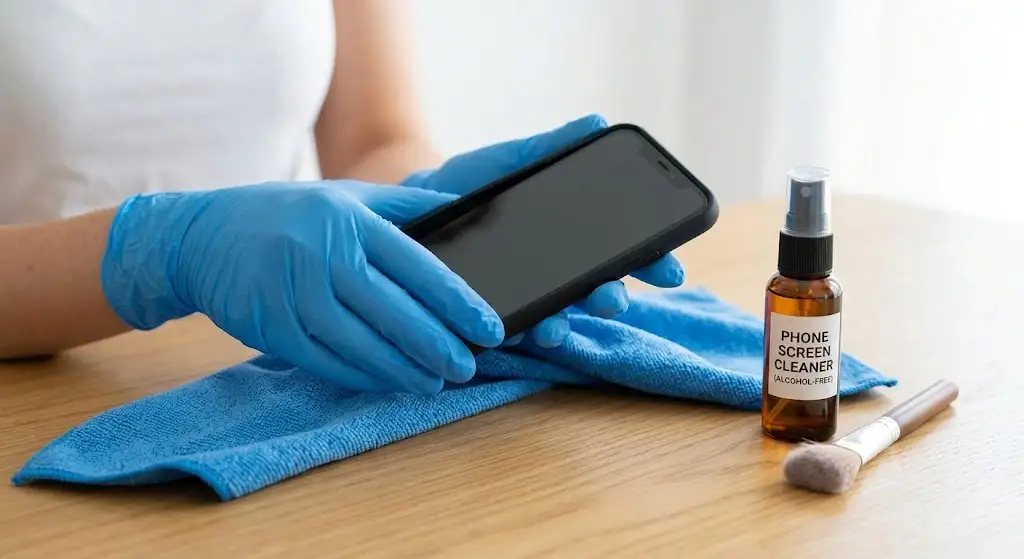
How to Clean your Phone and Other Devices
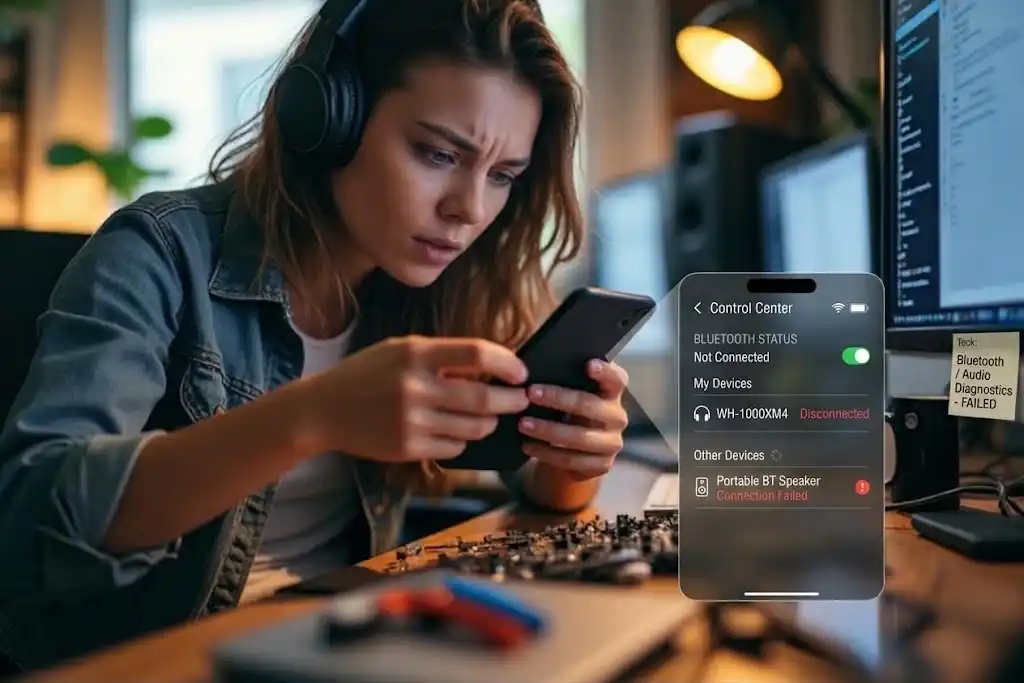
A Step-by-Step Guide for Troubleshooting Phone Speakers
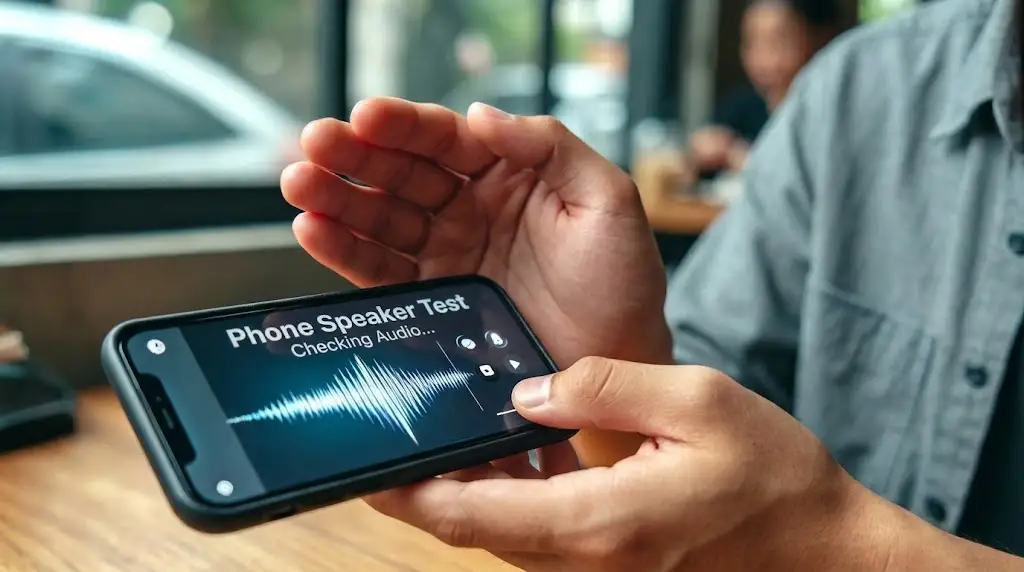
How to Test If Your Phone Speaker Is Working Properly
FAQs | Fix My Speaker
Conclusion
Fix My Speaker is a free online tool that helps remove water and dust from your phone’s speaker using sound waves. If your speaker sounds muffled or unclear, this tool can help improve audio quality.
Simply open the website, turn up the volume, and play the cleaning sound. The vibrations generated by this sound can help expel trapped water and dust particles without needing to open the phone.