How to Clean your Phone and Other Devices
Your phone goes almost everywhere with you. You use it to make calls, check social media, take photos, watch videos, and browse the internet. With so much daily use, it can collect fingerprints, dust, oil, and dirt on its screen, case, and speaker openings.
Regular cleaning helps keep your phone looking good and prevents dirt from building up around important parts. It can also help maintain clear sound by keeping the speaker grille free from loose dust and debris.
However, cleaning your phone the wrong way can damage its screen, charging port, or speakers. Here is how to clean your phone and other devices safely using simple methods.
1. Start with a Clean Case
Your phone case collects dust, fingerprints, and dirt throughout the day. If you rarely clean it, grime can build up around the edges, buttons, and camera openings. Cleaning the case regularly also helps keep dirt from transferring back onto your phone.
Steps to Clean Your Case:
- Remove the case: Take your phone out of the case before cleaning it. Keep the phone away from water and cleaning products.
- Wash with soap and water: For silicone, plastic, and rubber cases, use a little mild soap and lukewarm water. Gently wipe the surface with a soft cloth or sponge, paying attention to the edges and corners.
- Clean stubborn marks: Use a soft cloth to remove any remaining dirt. Avoid harsh chemicals that may damage the case’s finish.
- Dry completely: Let the case dry fully before putting it back on your phone. Check the corners and openings for any remaining moisture.
For leather cases: Avoid soaking leather in water or using alcohol-based cleaners unless the manufacturer allows them. Use a suitable leather cleaner and follow the care instructions for your case.
2. Use the Right Cleaner for Your Phone
Your phone screen has a protective coating that can be damaged by certain cleaning products. Bleach, window cleaner, abrasive products, and harsh household chemicals should not be used unless your phone manufacturer specifically approves them.
A clean microfiber cloth is usually enough to remove fingerprints, smudges, and everyday dirt.
Steps to Clean Your Phone:
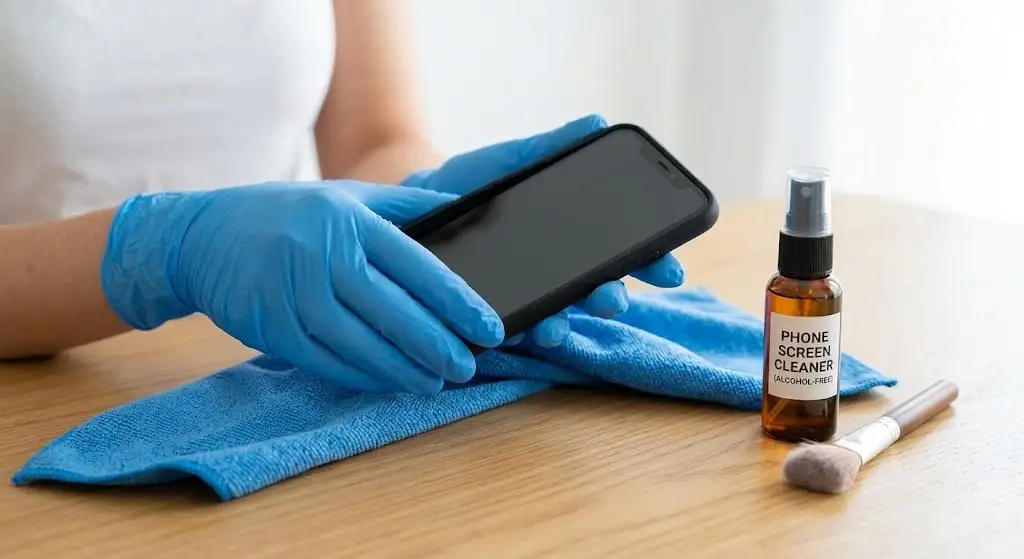
- Turn off and unplug your phone: Disconnect the charger, headphones, and other accessories before cleaning. If your phone is wet, do not connect it to a charger.
- Choose a suitable cleaner: Use a clean, lint-free microfiber cloth. If additional cleaning is needed, check your phone manufacturer’s instructions to see which disinfecting wipes or cleaning solutions are safe for your device.
- Wipe the screen and body: Gently wipe the screen, back panel, and sides to remove fingerprints and dirt. Avoid applying too much pressure.
- Keep liquids away from openings: Never spray cleaner directly onto your phone. Do not allow liquid to enter the charging port, microphone, speaker grille, or buttons.
- Dry the surface: Use a clean, dry microfiber cloth to remove any remaining moisture or streaks before using your phone again.
Avoid using too much liquid, even if your phone is water-resistant. Water resistance does not mean your device is completely waterproof.
3. Don’t Forget the Charging Port
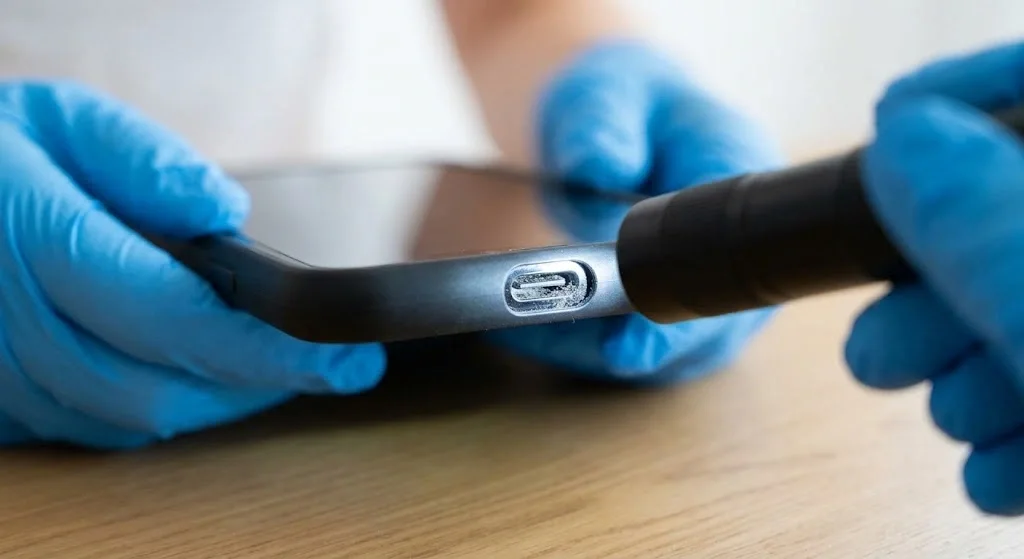
Dust, lint, and small particles can collect inside your phone’s charging port. This buildup may prevent the charging cable from connecting properly or cause charging to become unreliable.
If your cable feels loose or your phone does not charge consistently, check the port for visible debris before trying other solutions.
Steps to clean your phone’s charging port:
- Power off your phone: Disconnect the charging cable and turn off the device before inspecting the port.
- Check for debris: Use a flashlight to look inside the port. Check for visible lint, dust, or other particles.
- Avoid inserting objects: Do not use metal pins, paper clips, toothpicks, or other tools to scrape the inside of the port. You could damage the contacts or push debris further inside.
- Avoid compressed air and liquids: These can damage delicate components or push dirt deeper into the device. Follow the manufacturer’s cleaning instructions instead.
- Get help if needed: If debris is stuck inside or the phone still will not charge properly, ask an authorized repair technician to clean and inspect the port.
Before connecting your charger again, make sure the port is dry and free from visible moisture. If your phone displays a liquid detection warning, follow the manufacturer’s instructions and do not force it to charge.
4. Clean Hard-to-Reach Areas with a Toothbrush
Dust often collects around phone buttons, speaker grilles, camera edges, and other small openings. These areas can be difficult to clean because the dirt gets trapped in narrow spaces.
A clean, dry, soft-bristled brush can help remove loose dust without scratching the phone’s surface. However, you should be careful around delicate openings.
How to clean hard-to-reach areas of a phone:
- Choose a soft-bristled toothbrush: Use a new, clean, completely dry toothbrush with soft bristles. A small, soft cleaning brush can also work well.
- Use gentle brushing motions: Lightly brush around the buttons, camera edges, and outer surfaces of the speaker grille. Avoid pushing the bristles deep into any openings.
- Clean around the camera carefully: Use a microfiber cloth to remove fingerprints from the camera glass. Avoid pressing hard or using abrasive materials that could scratch it.
- Avoid sticky cleaning products: Adhesive putty and similar materials can leave residue or become stuck in small openings. Use a dry brush instead.
- Check the results: Inspect the cleaned areas to make sure loose dust has been removed. If dirt remains trapped inside an opening, follow the manufacturer’s cleaning instructions rather than forcing it out.
Take your time when cleaning these areas. Gentle cleaning is safer than using sharp tools or applying too much pressure.
5. Cleaning Speaker Grills Thoroughly
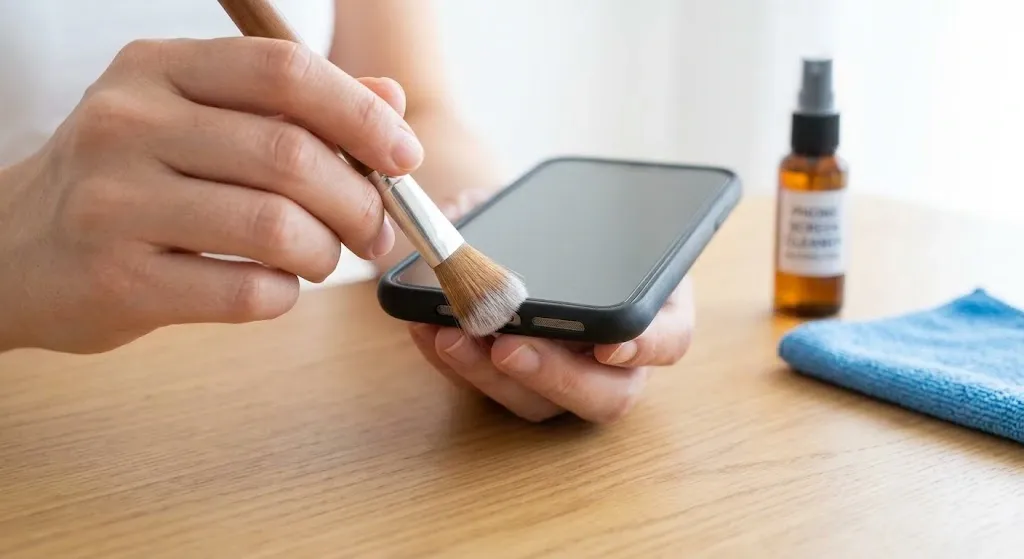
Phone speaker grilles can collect dust, lint, and dirt from everyday use. When debris builds up, it may block some of the openings and make your phone sound quieter or muffled.
If your phone speaker sounds unclear, cleaning the grille may help. However, the speaker underneath is delicate, so avoid methods that could damage it.
How to Clean Phone Speaker Grills:
- Power Off Your Phone: Turn off your phone before cleaning. Disconnect any cables or accessories so you can work safely around the speaker openings.
- Use a Soft-Bristled Brush: Hold your phone so the speaker grille faces downward, if practical. Gently brush the outside of the grille with a clean, dry, soft-bristled brush. This can help loosen dust without pushing it further inside.
- Avoid Compressed Air: Do not blow compressed air directly into the speaker grille. Strong air pressure can damage delicate components or force debris deeper into the speaker.
- Avoid Liquids and Sharp Objects: Never pour cleaning liquid into the grille or insert needles, pins, toothpicks, or other objects into the openings. These methods can damage the speaker mesh and internal parts.
- Wipe the Surrounding Area: Use a clean, dry microfiber cloth to remove fingerprints and dust from the area around the speaker.
- Test the Sound: Turn your phone back on and play audio at a comfortable volume. Check whether the sound is clearer than before.
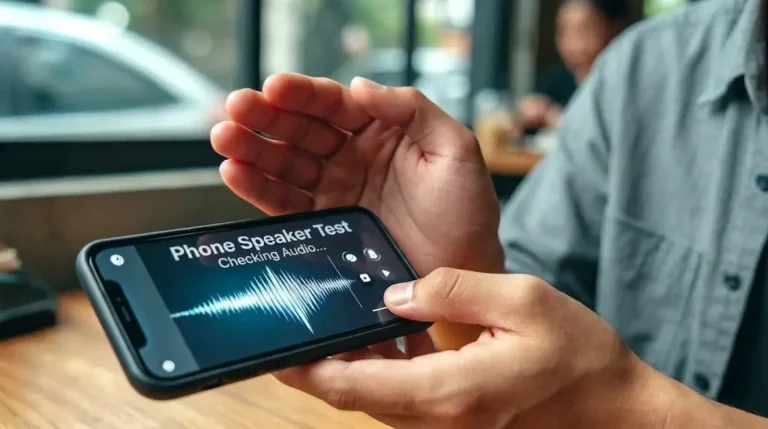
If your phone speaker still sounds muffled after cleaning, the problem may be caused by moisture, internal damage, or another audio issue. You can try the Fix My Speakers online tool to play cleaning sounds that may help move some water away from the speaker grille.
Keep in mind that sound-based cleaning cannot repair physical damage or remove every type of blockage.
6. Maintain Regular Cleaning Habits
Cleaning your phone once is helpful, but regular care makes it easier to prevent dirt and grime from building up. A simple cleaning routine can keep your phone, case, and other devices in better condition.
Best Practices for Long-Term Maintenance:
- Weekly cleaning: Wipe your phone with a clean microfiber cloth whenever you notice fingerprints or smudges. Use a manufacturer-approved disinfecting product when necessary rather than applying alcohol every week without checking compatibility.
- Protect with a case and screen protector: A well-fitting case can protect your phone from everyday bumps and scratches. Choose one that does not block the speakers, microphones, or charging port.
- Wash your hands before using your phone: Clean hands help reduce the amount of oil, dirt, and grime transferred to your device.
- Avoid eating or drinking near your devices: Food crumbs and spilled drinks can collect around buttons and openings. Keep drinks away from your phone to reduce the risk of liquid damage.
- Clean your case separately: Remove the case occasionally and clean it according to its material and the manufacturer’s instructions. Let it dry completely before putting it back on.
- Keep your phone away from dusty areas: If you work or spend time in dusty environments, check your phone more often and clean it gently when needed.
Things to Avoid:
- Never pour or spray liquid cleaner directly onto your phone or into the speaker grille.
- Do not use pins, needles, paper clips, or other sharp objects to remove dirt from speaker openings or charging ports.
- Avoid compressed air directed into delicate openings, as it may cause damage.
- Do not use bleach, abrasive cleaners, or unapproved chemicals on your phone’s screen or body.
- Avoid excessive pressure when cleaning the screen, camera, buttons, and speaker grille.
Following these simple habits can help keep your phone clean and prevent dirt from affecting its speakers. If your phone speaker still sounds muffled or distorted after cleaning, try the Fix My Speakers online tool to check whether sound-based cleaning may help. If the problem continues, have your phone inspected by a qualified technician.