
🔊 Speaker Sound Test
Click to Play left and right stereo channels to check speaker and sound balance. Click again to stop.
Left / Right Stereo Speakers Sound Check
Welcome to the free Left / Right Sound Test tool on FixxMySpeaker.com. This tool helps you check whether the left and right audio channels are working correctly. You can use it with headphones, earbuds, phones, laptops, and external speakers.
With a few clicks, you can test both sides, compare their sound, and find common audio problems, such as missing sound or uneven volume. No app installation is needed.
Left Channel Test
Click the Left button to play a test sound through the left speaker or earbud only. If you hear the sound, the left audio channel is working correctly.
Right Channel Test
Click the Right button to test the right speaker or earbud. If you cannot hear anything, check your volume, audio settings, and speaker connection.
Auto-Alternate Mode
Click the Alternate button to switch the sound between the left and right channels automatically. This helps you compare both sides and check whether the sound is balanced.
Sound Type Selector
Choose a sound type based on what you want to check.
- Tone: Plays a steady sound to help you check audio clarity and notice buzzing or distortion.
- Vocal Cue: Plays spoken words like “Left” or “Right” so you can easily identify which side is producing sound.
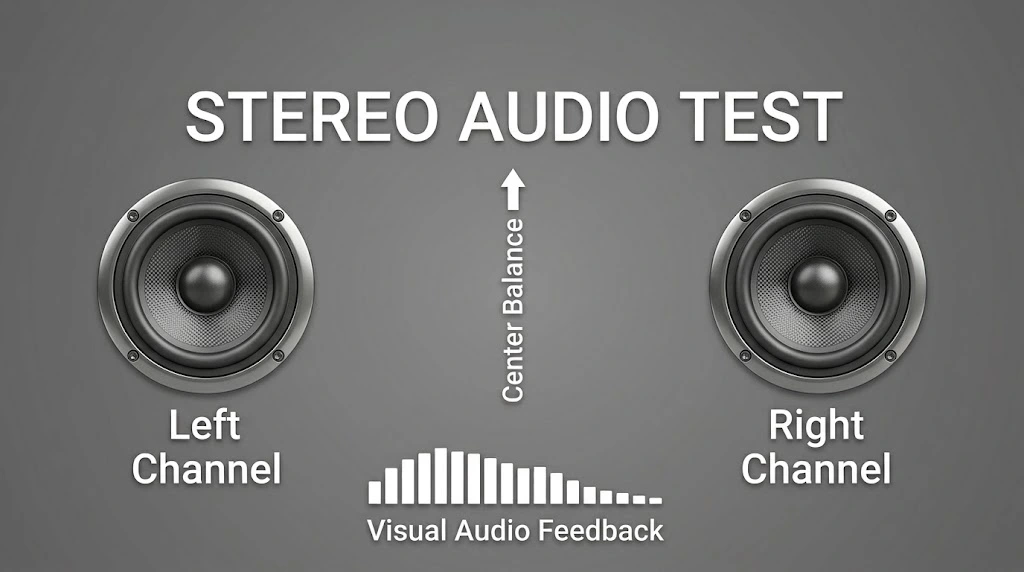
What Are Stereo Speakers?
Stereo speakers use two separate audio channels: Left and Right. Each channel can play different sounds, creating a more natural listening experience.
For example, while listening to music, you may hear an instrument on the left and another sound on the right. Stereo audio also makes movies and games feel more realistic.
Mono audio is different because it combines sound into a single channel instead of keeping separate left and right audio. Most modern phones, laptops, headphones, TVs, and home audio systems support stereo sound.
Why Test Left and Right Speakers?
A speaker may stop working, sound quieter than the other, or play audio from the wrong side. A Left / Right Sound Test helps you find these problems quickly.
Here are some common reasons to test your speakers:
- Find sound problems: Check if one speaker or audio channel is not working.
- Compare volume levels: Make sure both sides sound balanced.
- Test headphones or earbuds: Confirm that the left and right sides produce sound.
- Check speaker placement: Make sure your speakers are connected to the correct channels.
- Identify audio distortion: Listen for buzzing, crackling, or unclear sound.
- Set up audio equipment: Test studio monitors, desktop speakers, or a home theater system.
If one side is not working, check your device’s volume and audio balance settings. Make sure your speakers or headphones are connected properly, then run the test again. If the problem continues, try another pair of headphones or speakers to see whether the issue comes from your device or audio equipment.